Features

Daily commerce, on your own Windows workstation.

Sell, track stock, print documents and protect local records. The server manages accounts and licensing, not your sales database.

View downloads

Sales and payments

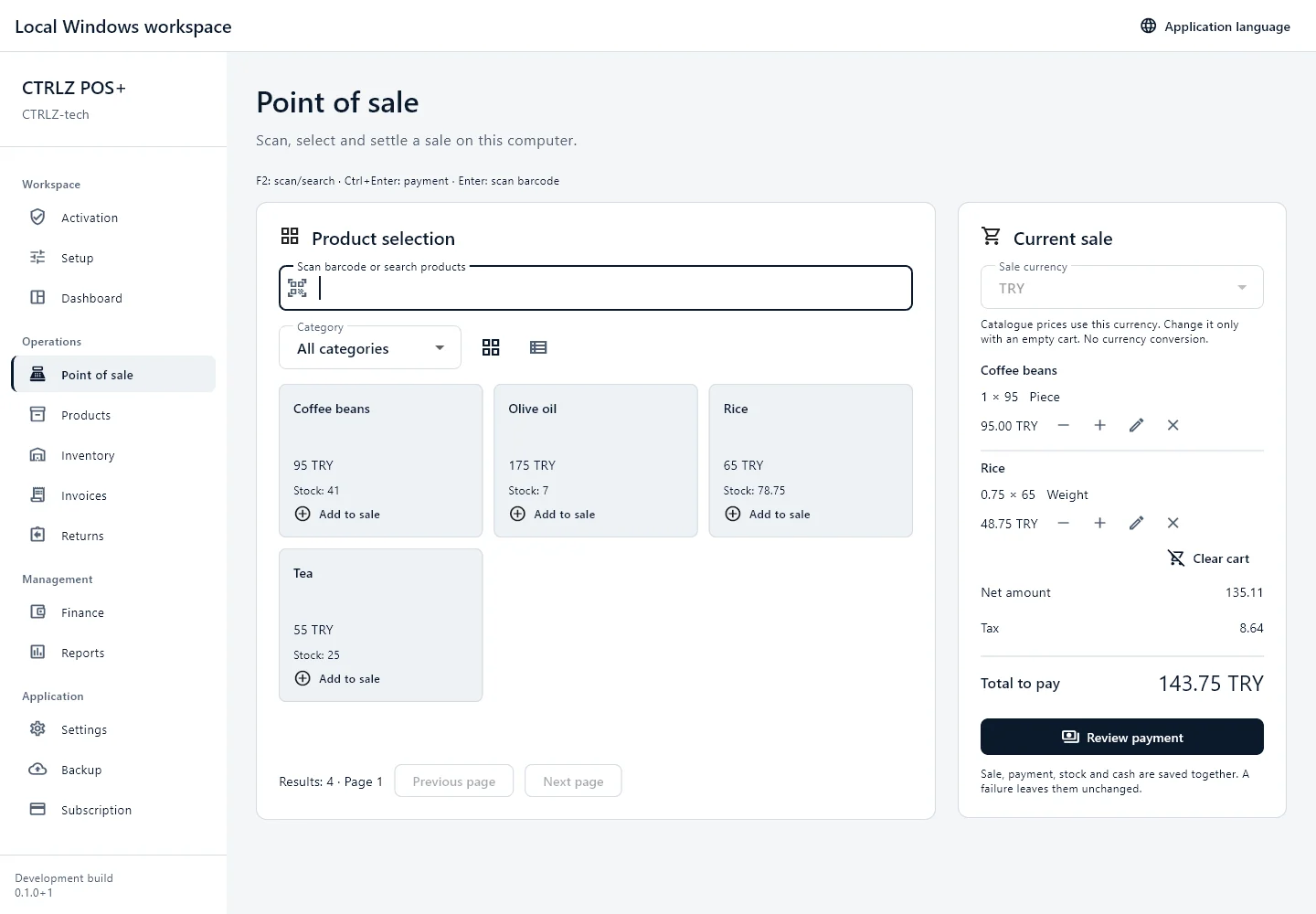
Barcode entry, weighted quantities, tax calculations and cash, card or bank payments.

Products and stock

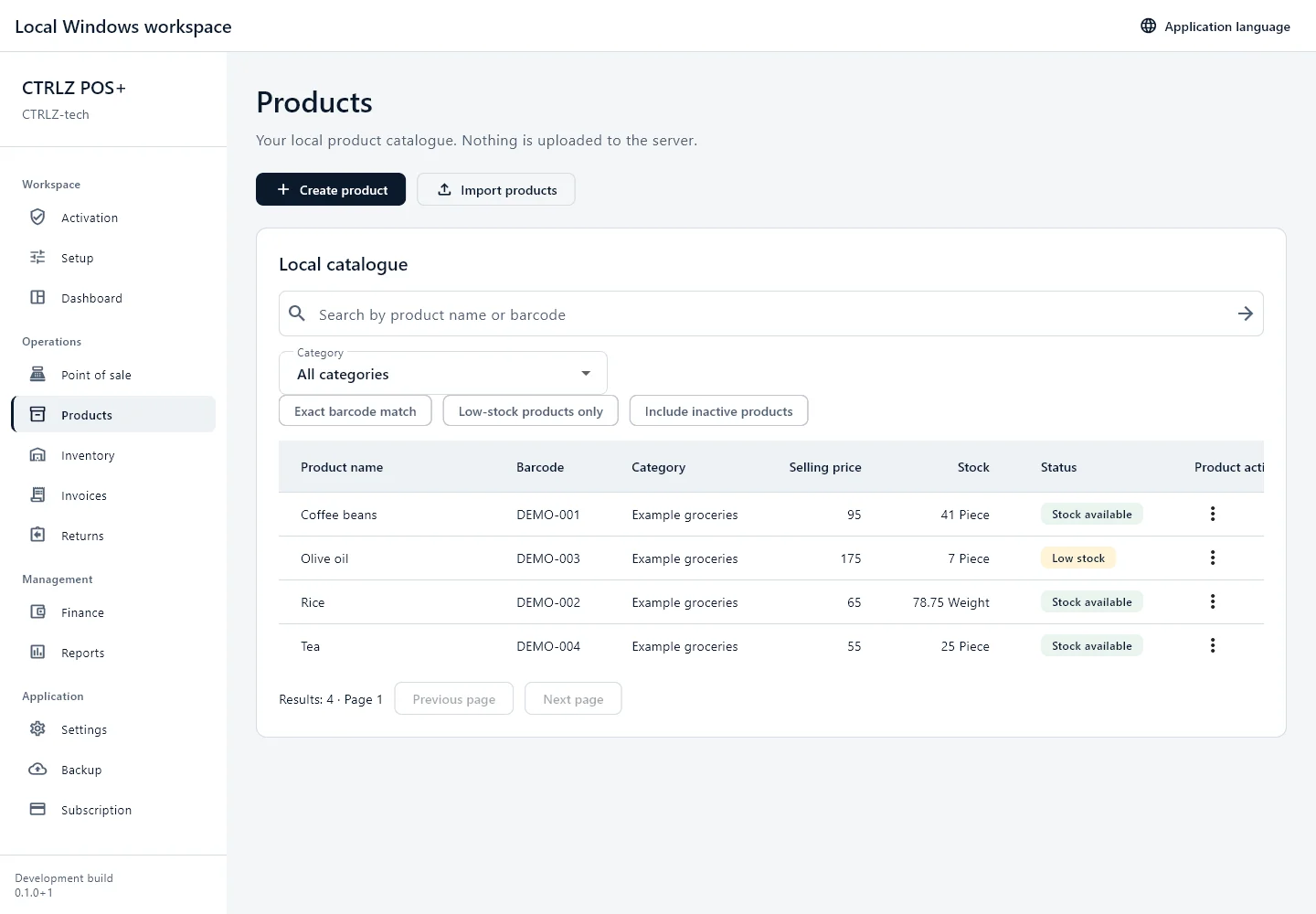
Searchable products, import preview, stock adjustments and a traceable movement ledger.

Documents and printing

Receipt and A4/A5 documents, local PDF preview and print jobs independent of checkout. Hardware compatibility requires testing.

Offline continuity

Operate offline with a valid signed license. After expiry, records, reports, exports and backups remain accessible read-only.

Encrypted local backups

Password-protected business backups with integrity checks. Device credentials are not included.

Controlled updates

Review release notes and choose when to download. Integrity verification happens before an explicit installer launch.

Inside the actual Windows application

Actual application screens captured with isolated example data. These are not customer records or live business results. Hardware and production deployment validation remain separate.
DashboardOpen screen preview
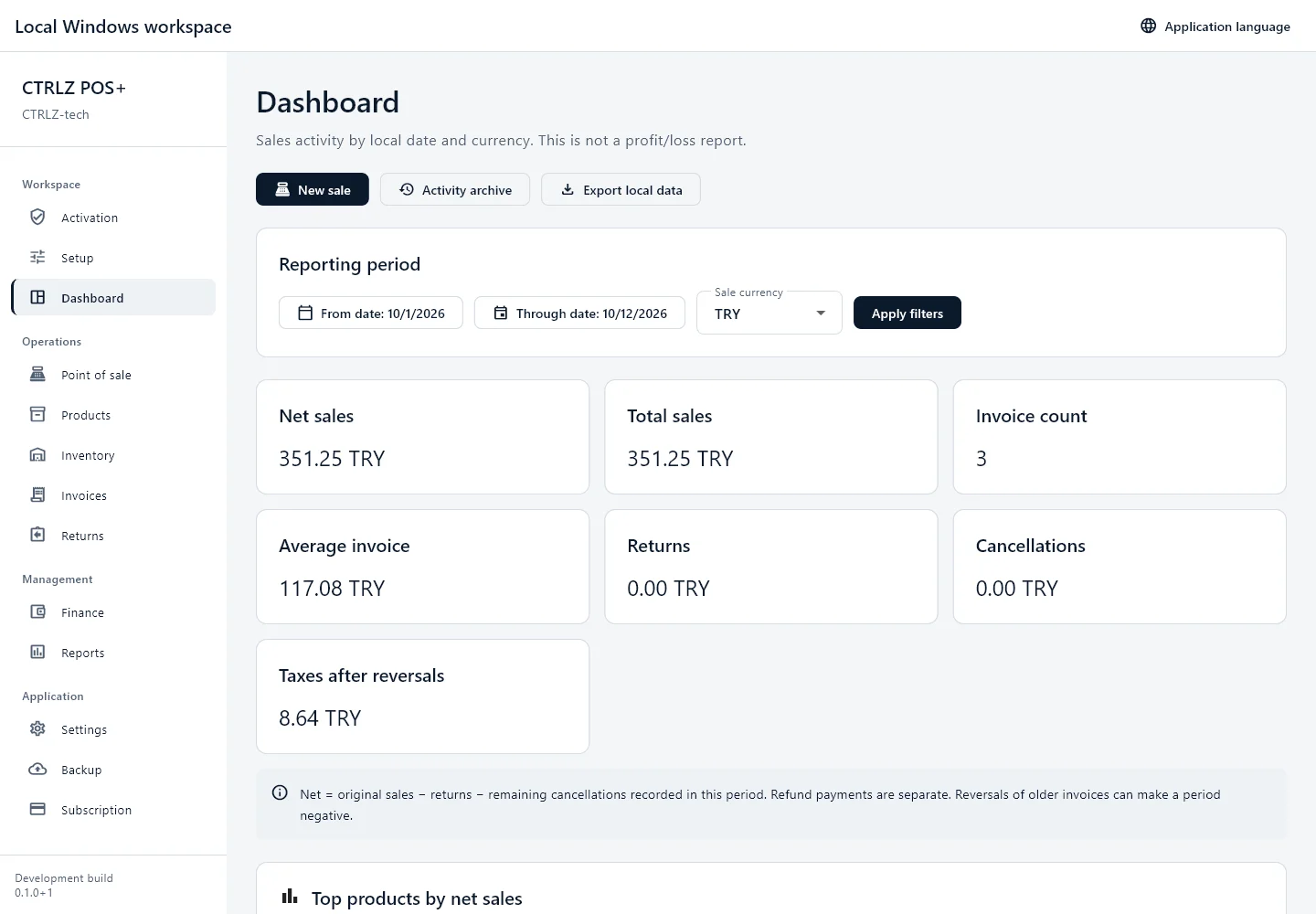
Dashboard screen from CTRLZ POS+ with example data.
Dashboard · Actual application screens captured with isolated example data. These are not customer records or live business results. Hardware and production deployment validation remain separate.
Point of saleOpen screen preview
Point of sale screen from CTRLZ POS+ with example data.
Point of sale · Actual application screens captured with isolated example data. These are not customer records or live business results. Hardware and production deployment validation remain separate.
ProductsOpen screen preview
Products screen from CTRLZ POS+ with example data.
Products · Actual application screens captured with isolated example data. These are not customer records or live business results. Hardware and production deployment validation remain separate.
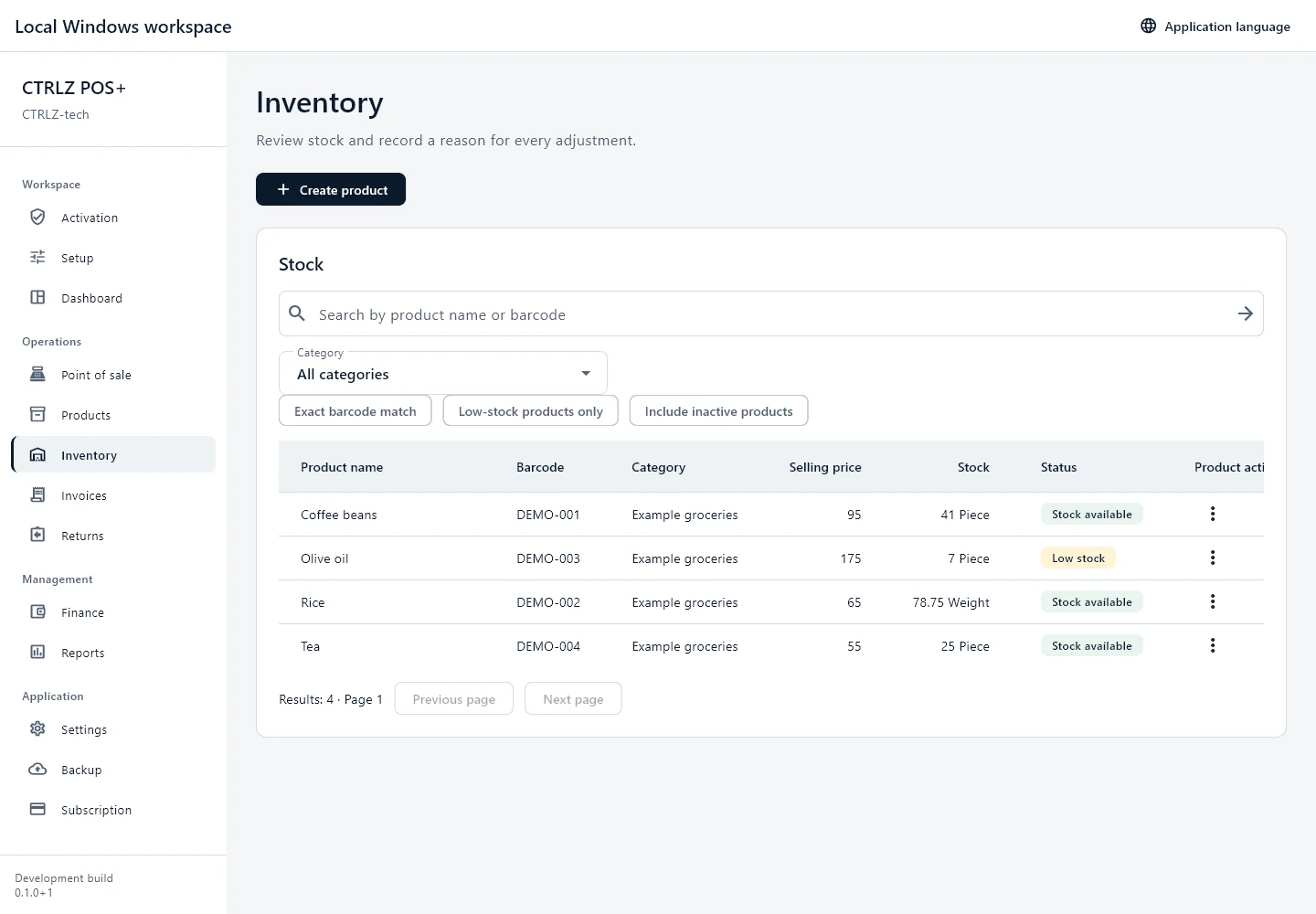
InventoryOpen screen preview
Inventory screen from CTRLZ POS+ with example data.
Inventory · Actual application screens captured with isolated example data. These are not customer records or live business results. Hardware and production deployment validation remain separate.
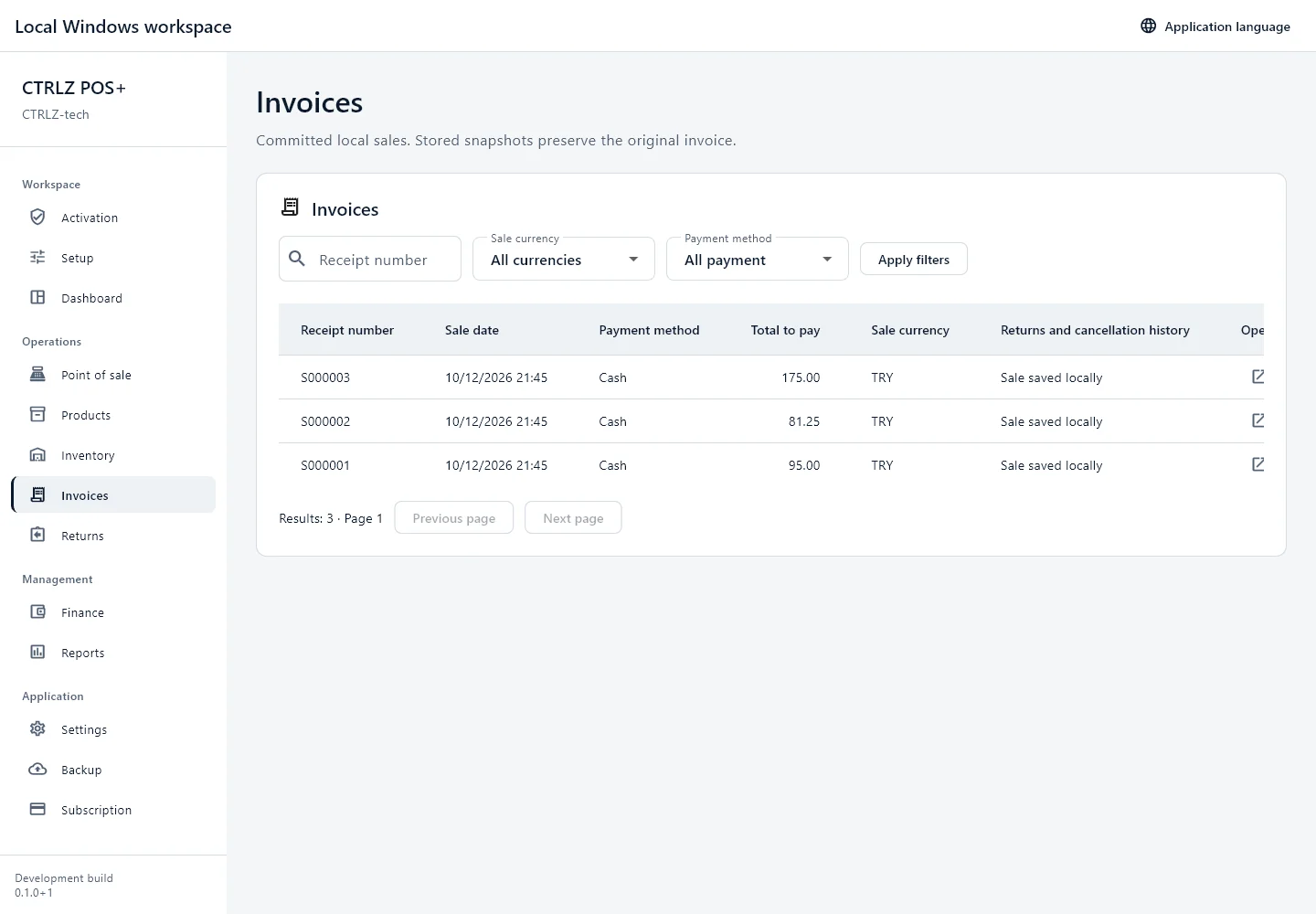
InvoicesOpen screen preview
Invoices screen from CTRLZ POS+ with example data.
Invoices · Actual application screens captured with isolated example data. These are not customer records or live business results. Hardware and production deployment validation remain separate.
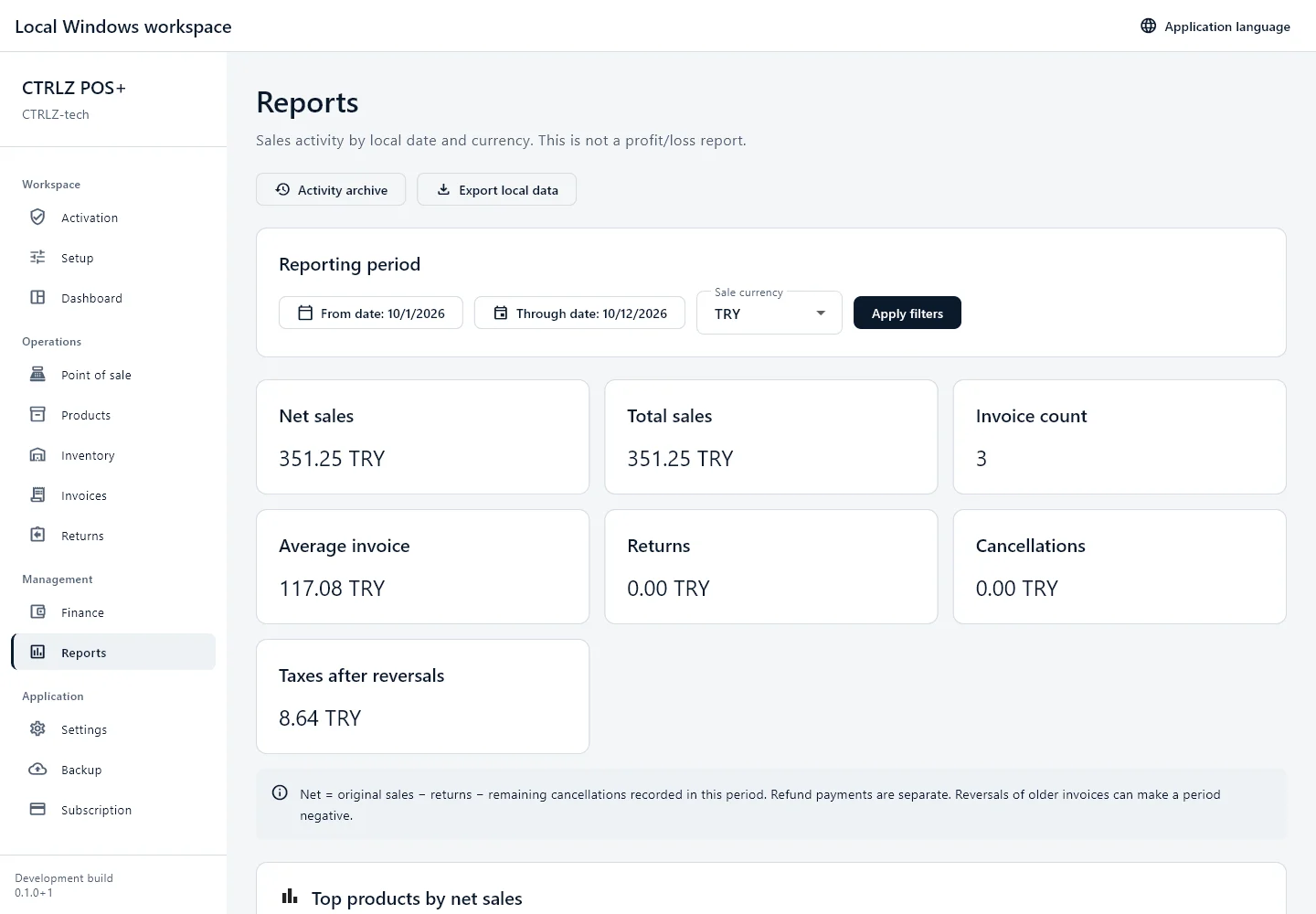
ReportsOpen screen preview
Reports screen from CTRLZ POS+ with example data.
Reports · Actual application screens captured with isolated example data. These are not customer records or live business results. Hardware and production deployment validation remain separate.

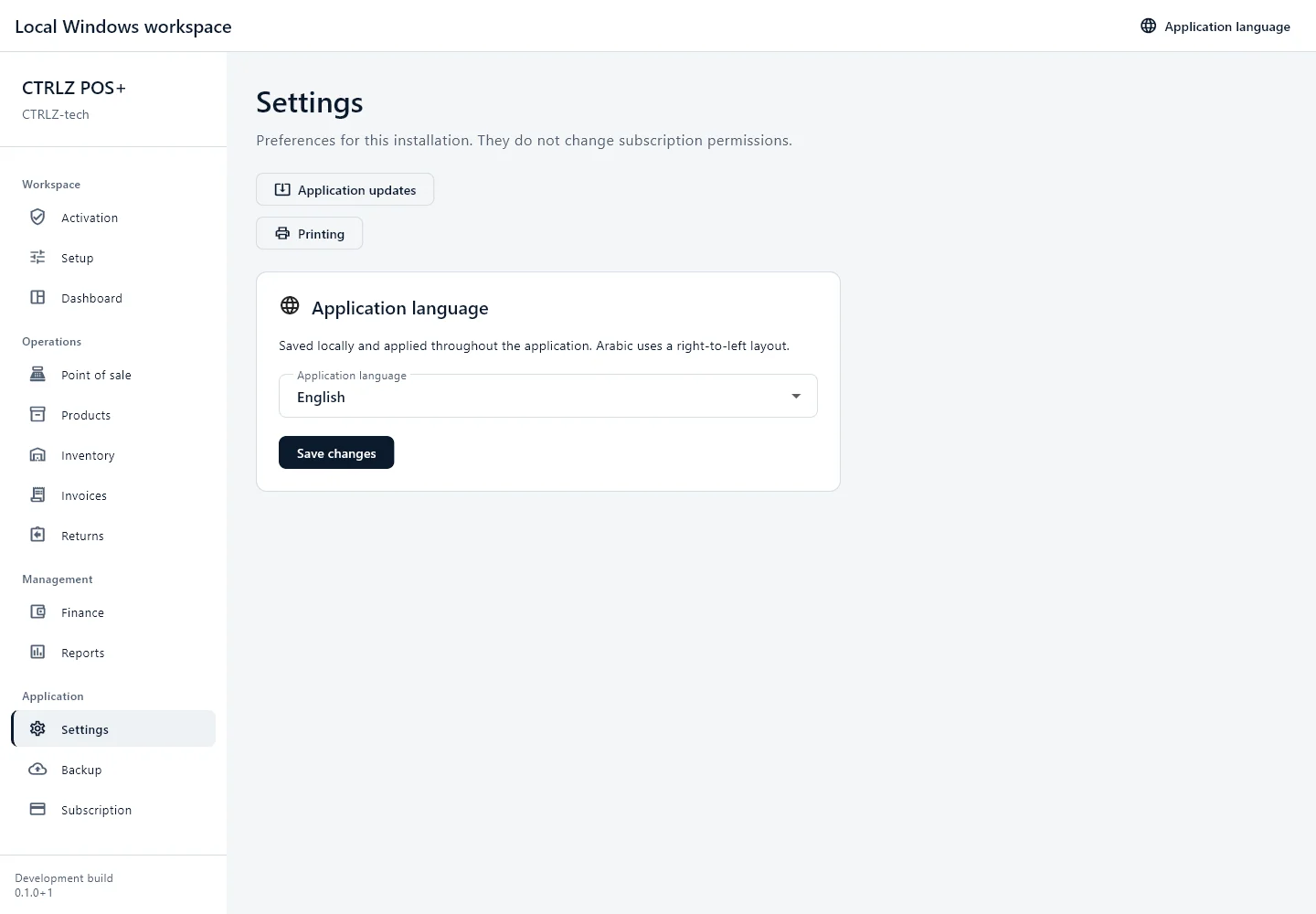
SettingsOpen screen preview
Settings screen from CTRLZ POS+ with example data.
Settings · Actual application screens captured with isolated example data. These are not customer records or live business results. Hardware and production deployment validation remain separate.